How to Fix a Windows PC That Wakes Up by Itself After You Put It to Sleep?
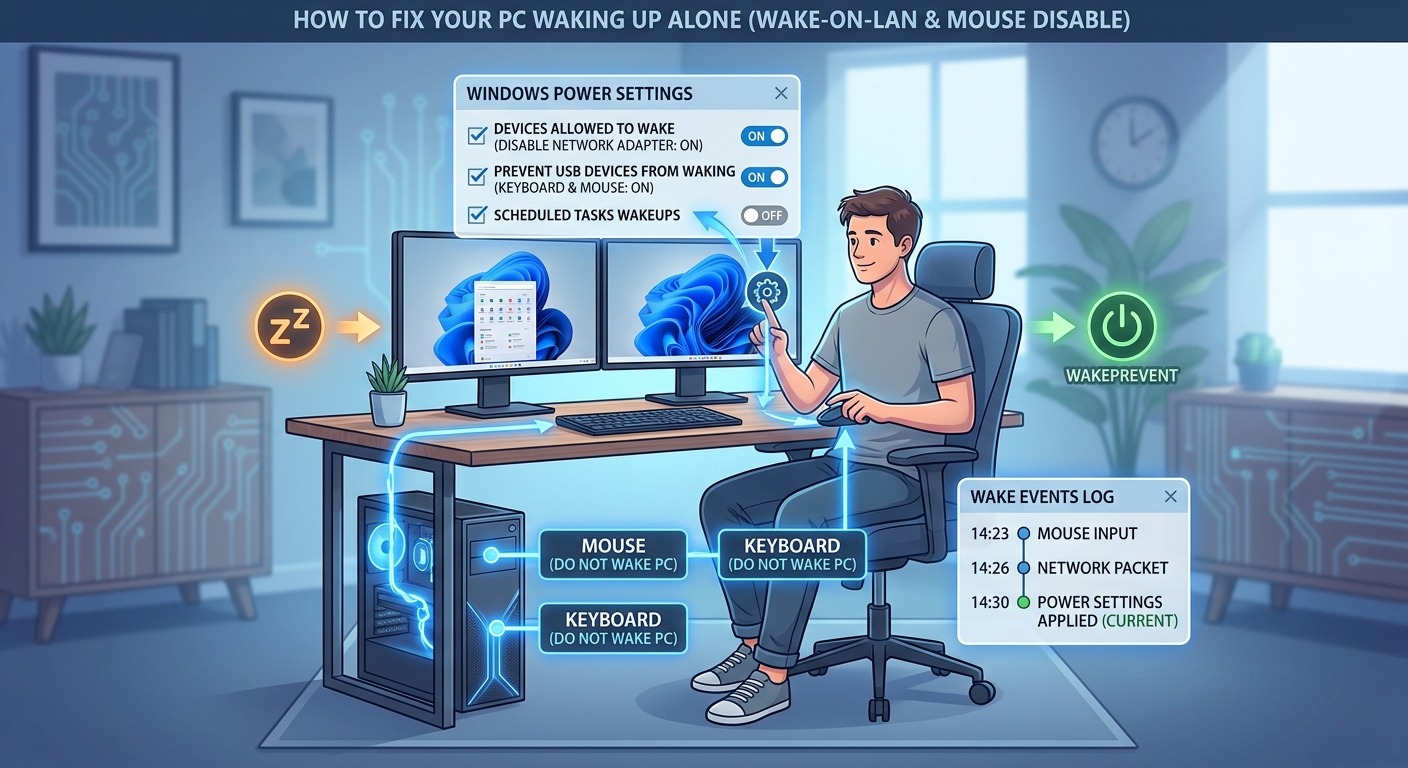
  Author: TechLoomyFun Editorial Team You put your Windows PC to sleep, walk away, and expect it to stay quiet. A few minutes later, you hear the fans running or notice that the screen has turned back on. Sometimes the computer wakes almost immediately. In other cases, it stays asleep for several minutes before suddenly … Read more
How to Safely Remove an App That Has No Uninstall Option in Windows Settings?

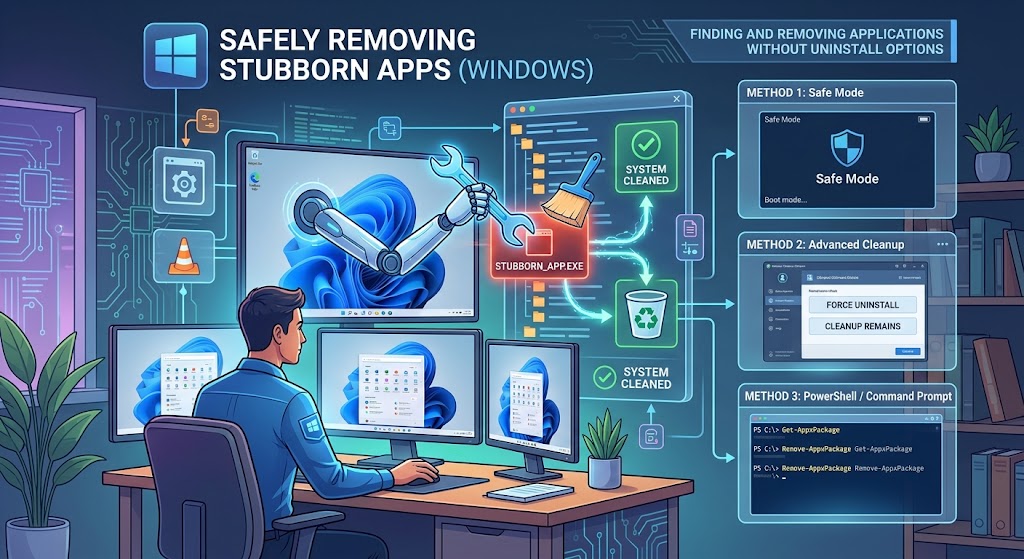
  Author: TechLoomyFun Editorial Team Sometimes you find a program in Windows and discover that the Uninstall option is missing, unavailable, or does nothing when you select it. That does not necessarily mean the program cannot be removed. Windows supports several different installation and removal methods. Some traditional desktop programs use Control Panel, some provide … Read more

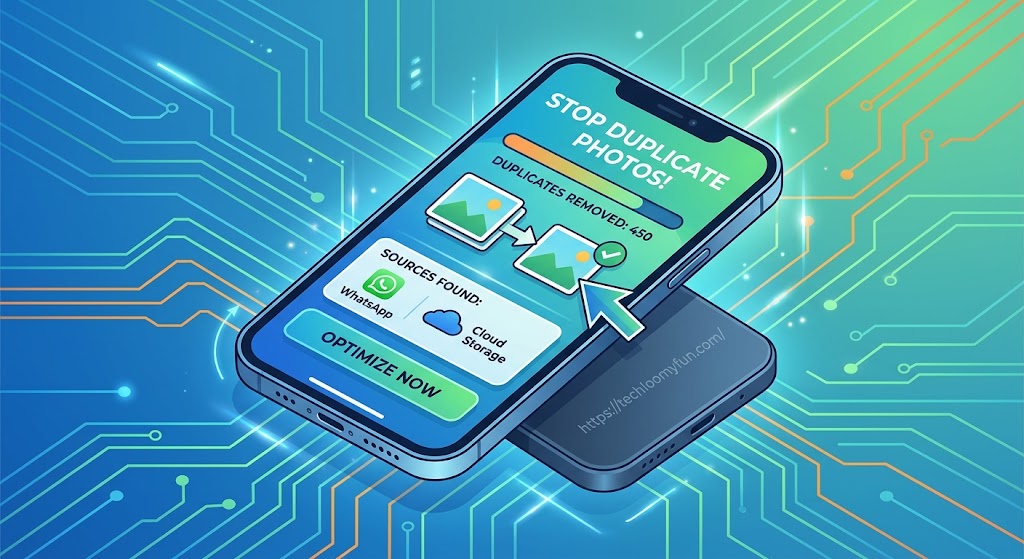
How to Stop Your Phone From Filling Up With Duplicate Photos After WhatsApp and Cloud Backups?

By: TechLoomyFun Editorial Team Your Android phone can slowly fill with what appear to be hundreds of duplicate photos after using WhatsApp, Google Photos, OneDrive, or another cloud backup service. The confusing part is that the photos may look identical while actually being stored in different locations. For example, a picture you received through WhatsApp … Read more

What to Check on Your Phone After You Accidentally Approve a Suspicious Login Request?

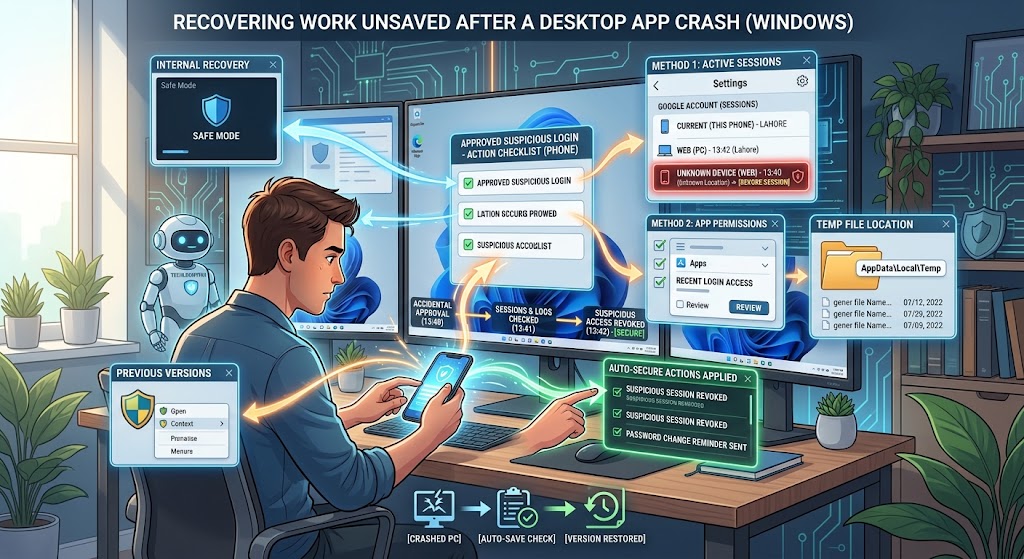
  Author: TechLoomyFun Editorial Team Accidentally approving a login request does not automatically mean your phone has been hacked It is easy to panic after tapping Approve, Yes, or Allow on a login notification that you did not expect. The situation deserves attention, but there is an important difference between approving a login attempt and … Read more

How to Find the Windows Program That Keeps Making Your Computer Freeze for a Few Seconds?

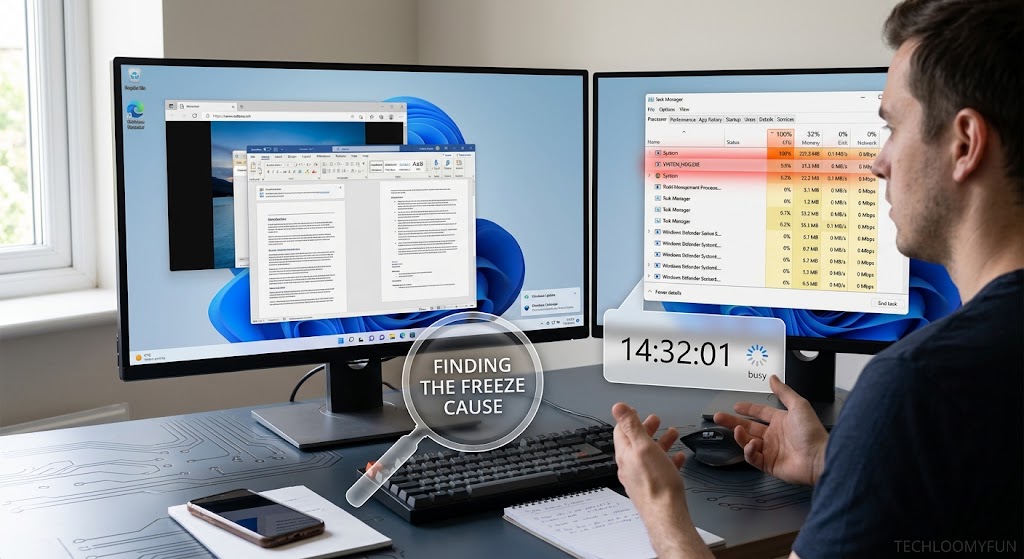
A Windows computer that freezes for three or five seconds and then suddenly works normally again can be surprisingly difficult to troubleshoot. There may be no error message, no blue screen, and nothing obvious to close. The important clue is the short duration. If the computer becomes unresponsive, recovers, and then repeats the problem later, … Read more