How to Prepare Your Phone and Computer Before Sending an Old Device for Repair?
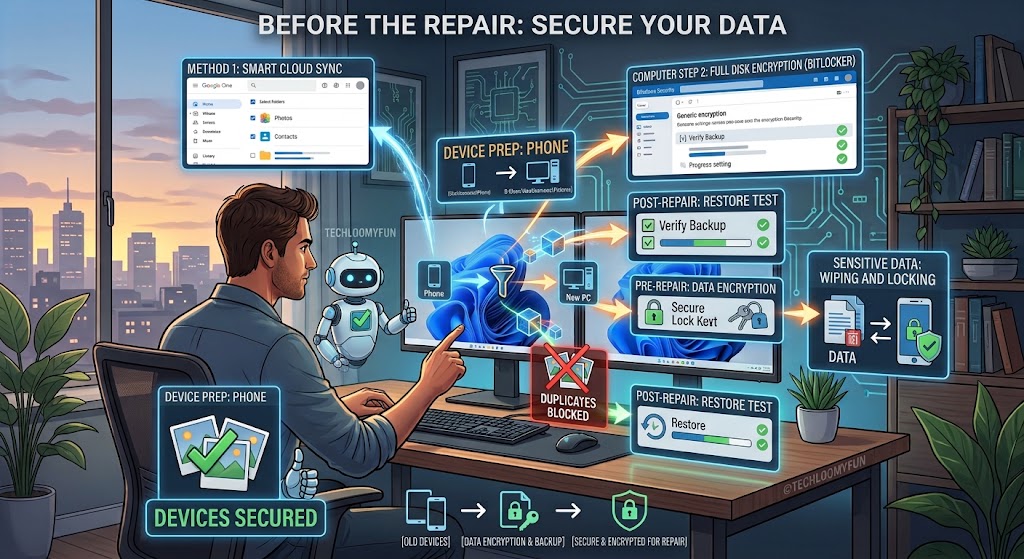
Author: TechLoomyFun Editorial Team Sending an old phone or computer to a repair shop can feel simple: pack the device, hand it over, and wait for the repair. The part that deserves more attention is everything stored inside it. A phone may contain private photos, messages, saved passwords, authentication apps, banking applications, email accounts, and … Read more
How to Move Your Photos to a New Computer Without Accidentally Creating Three Copies of Everything?

  Author: TechLoomyFun Editorial Team Moving photos to a new computer can create duplicates if you mix transfer methods Moving a photo collection from an old computer to a new one sounds simple. Copy the pictures, paste them into the new computer, and you are done. The problem starts when cloud storage, phone backups, photo … Read more

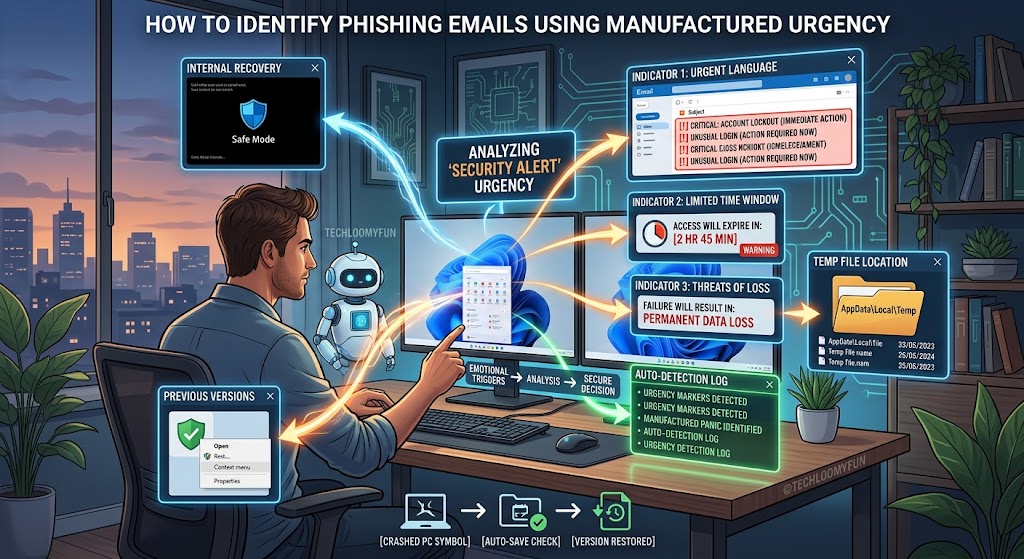
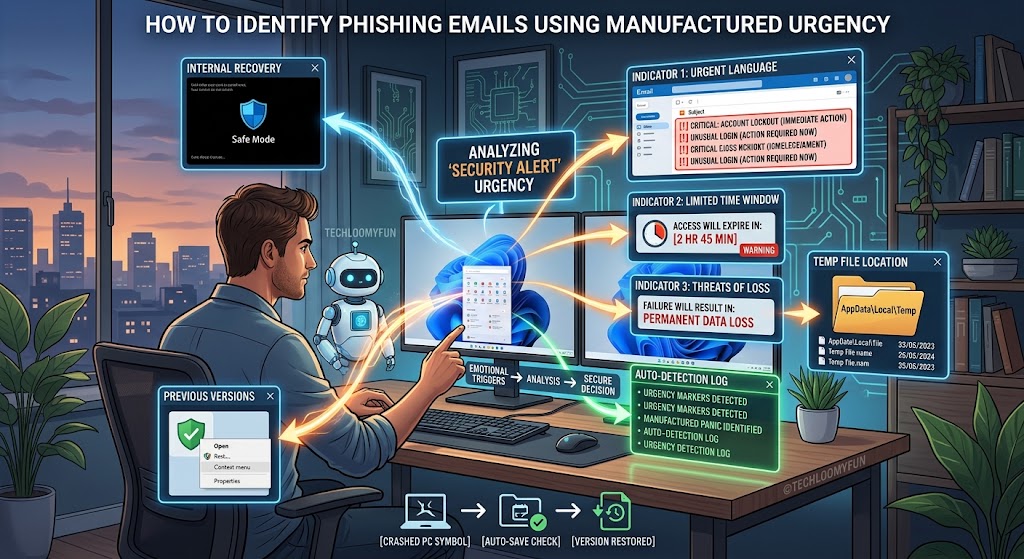
How to Tell When a “Security Alert” Email Is Trying to Make You Act Too Quickly?

  Author: TechLoomyFun Editorial Team A security alert can be real, but urgency should make you investigate, not panic A message saying “Your account has been compromised” can trigger an immediate reaction. You may feel that you need to click the security link, confirm your identity, change your password, or call the number in the … Read more

How to Check Whether a Password You Reused Is Putting More Than One Account at Risk?

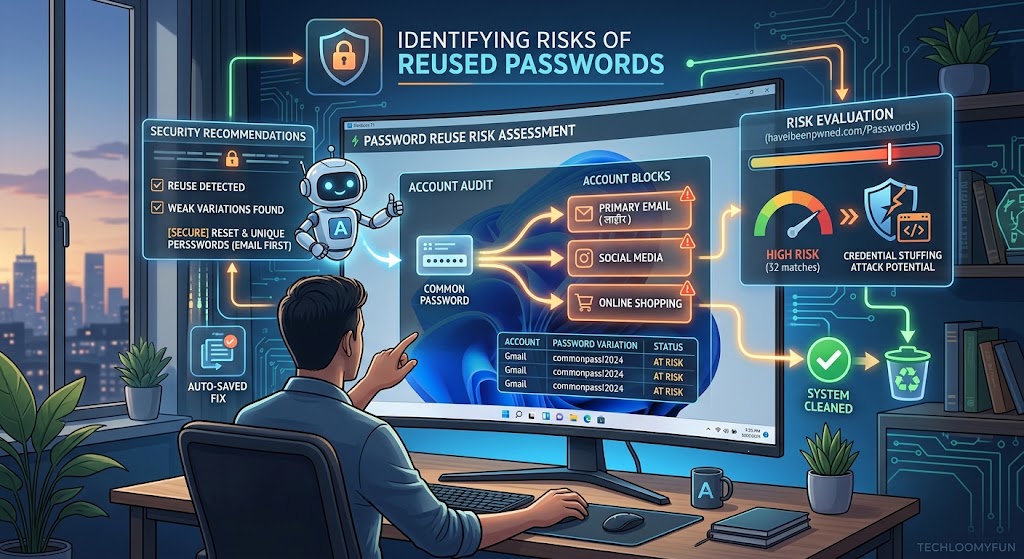
  Author: TechLoomyFun Editorial Team Reusing one password can turn one account problem into several Using the same password for several websites is convenient until one of those websites suffers a security breach or your password is exposed through phishing. The danger is not limited to the original account. If the same email address and … Read more

How to Stop One Browser From Reopening Old Tabs Every Time You Start Your Computer?

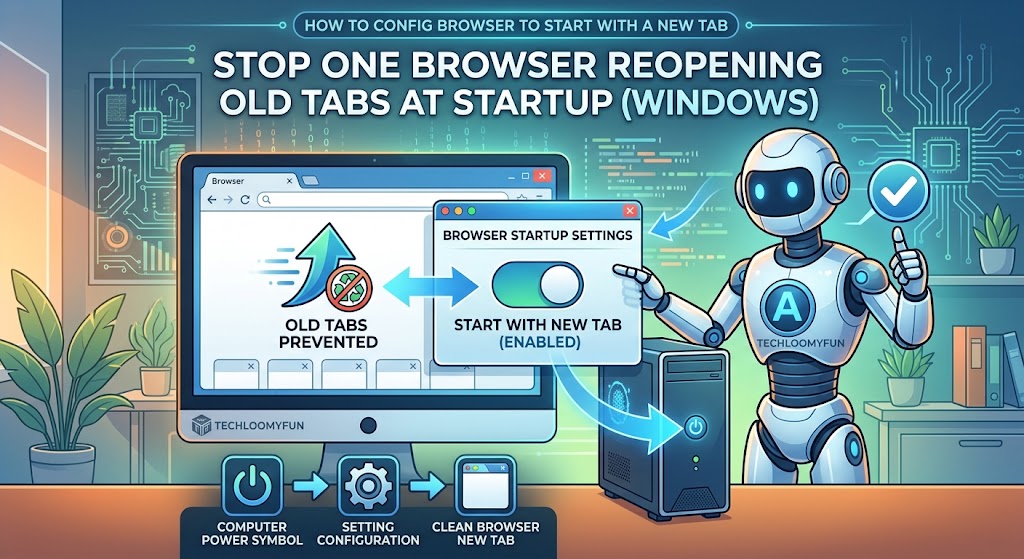
  Published Date: September 6, 2026 Author: TechLoomyFun Editorial Team If one browser keeps reopening the same old tabs every time you start your Windows computer, the problem can be surprisingly confusing. You may close the browser normally at night, shut down Windows, and then find the same collection of tabs waiting for you the … Read more

How to Find Out What Changed After a Windows App Suddenly Started Showing Pop-Ups?

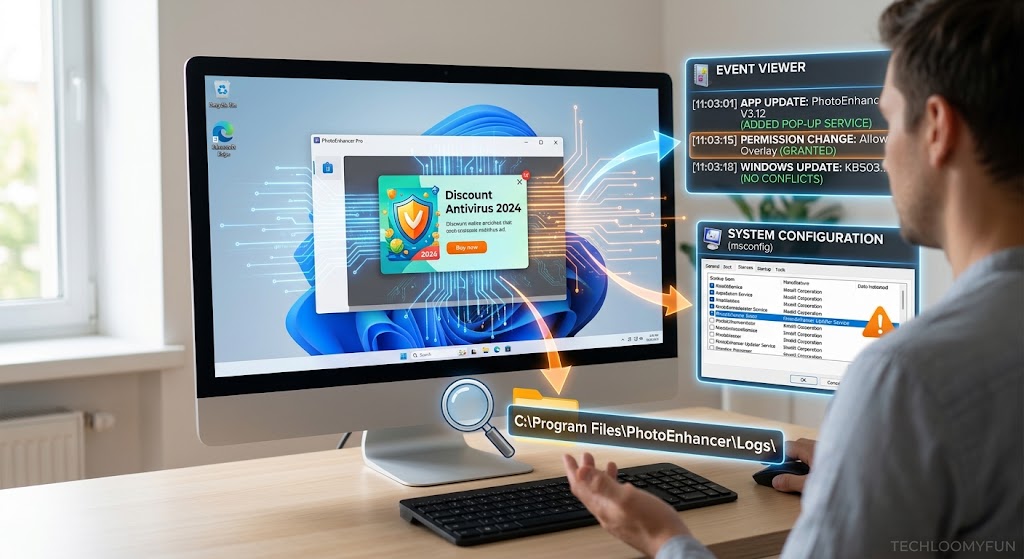
  Author: TechLoomyFun Editorial Team When a Windows app suddenly starts showing pop-ups that were not appearing before, it is tempting to blame Windows itself or immediately uninstall the program. That can work sometimes, but it does not tell you what actually changed. A better approach is to compare what was different before the pop-ups … Read more

How to Fix Android Notifications That Arrive Late Without Turning Off Battery Saving?

By: TechLoomyFun Editorial Team If an Android notification appears several minutes after the message was sent, the problem can be surprisingly difficult to diagnose. You may see the notification immediately when you open the app, but not while the phone is sitting in your pocket. Or perhaps WhatsApp messages arrive instantly while Gmail, Teams, or … Read more

How to Recover Work You Forgot to Save When a Desktop App Crashes Unexpectedly?

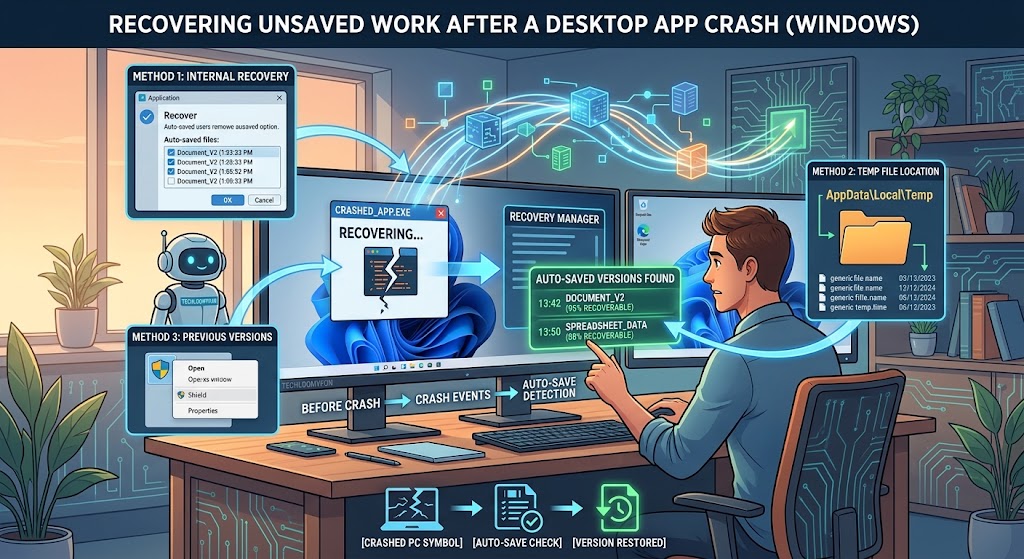
  Author: TechLoomyFun Editorial Team Few things are more frustrating than spending an hour working on a document, spreadsheet, presentation, image, or project and then watching the desktop application suddenly close. The situation becomes worse when you realize you never clicked Save. The good news is that an unexpected crash does not always mean the … Read more

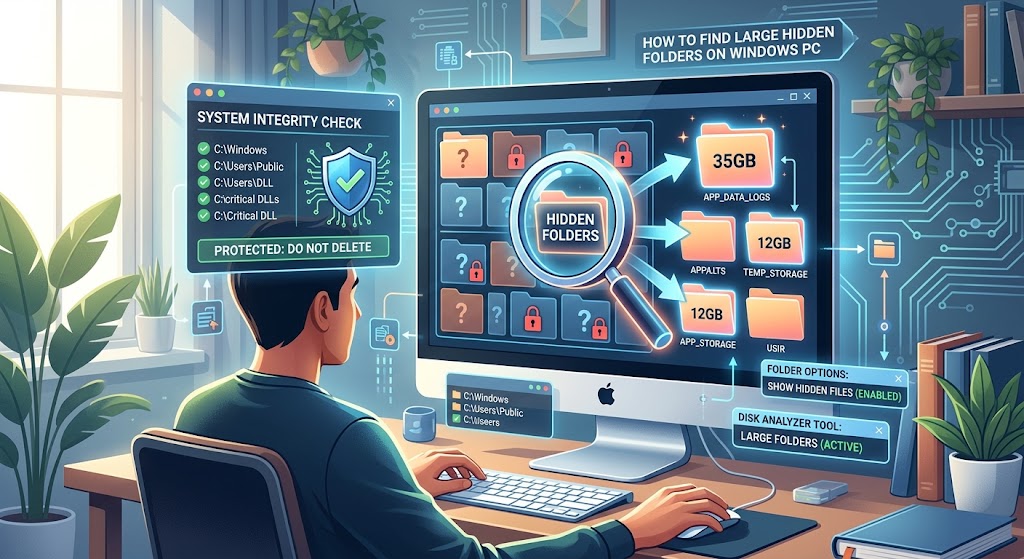
How to Find Large Hidden Folders Taking Up Space on a Windows PC Without Deleting System Files?

  Author: TechLoomyFun Editorial Team A Windows PC can suddenly run low on storage even when your personal folders do not appear to contain enough files to explain it. You check Downloads, Documents, Pictures, and Videos. Nothing seems unusually large. Yet Windows continues warning that the drive is running out of space. The missing storage … Read more

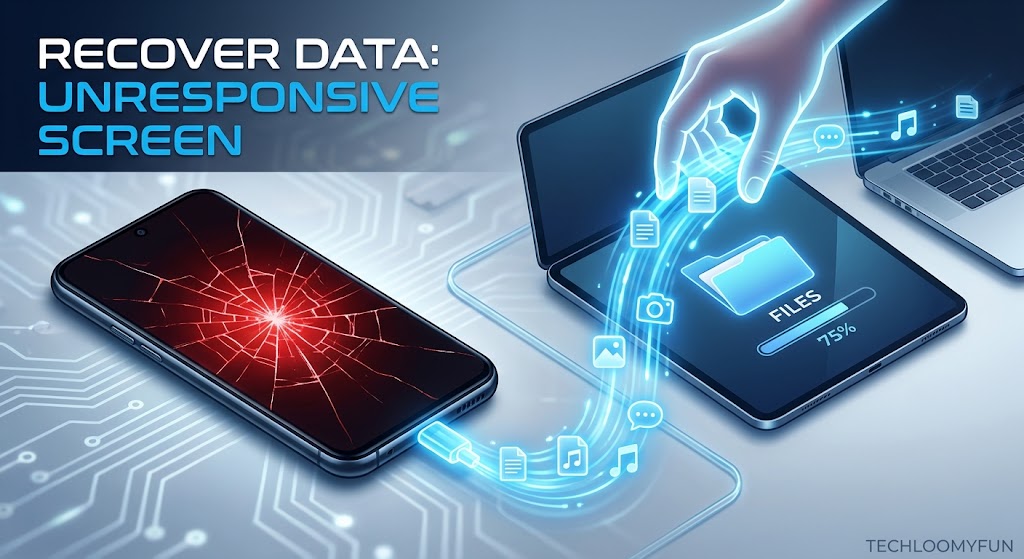
How to Move Important Phone Files When Your Old Android Screen No Longer Responds?

By: TechLoomyFun Editorial Team A broken or completely unresponsive Android touchscreen can make a simple file transfer feel impossible. The phone may still turn on. You might hear notifications, feel vibration, or see the lock screen, but tapping and swiping no longer work. Your first thought may be to connect a USB cable to a … Read more